All guides
AI
Automations: if-this-then-that
Fire off a text or an owner alert automatically when a quote is approved, a job is done, or an invoice is paid.
4 min read
Automations let you set up simple “when this happens, do that” rules so routine follow-ups happen without you remembering.
app.getjobone.com/automations
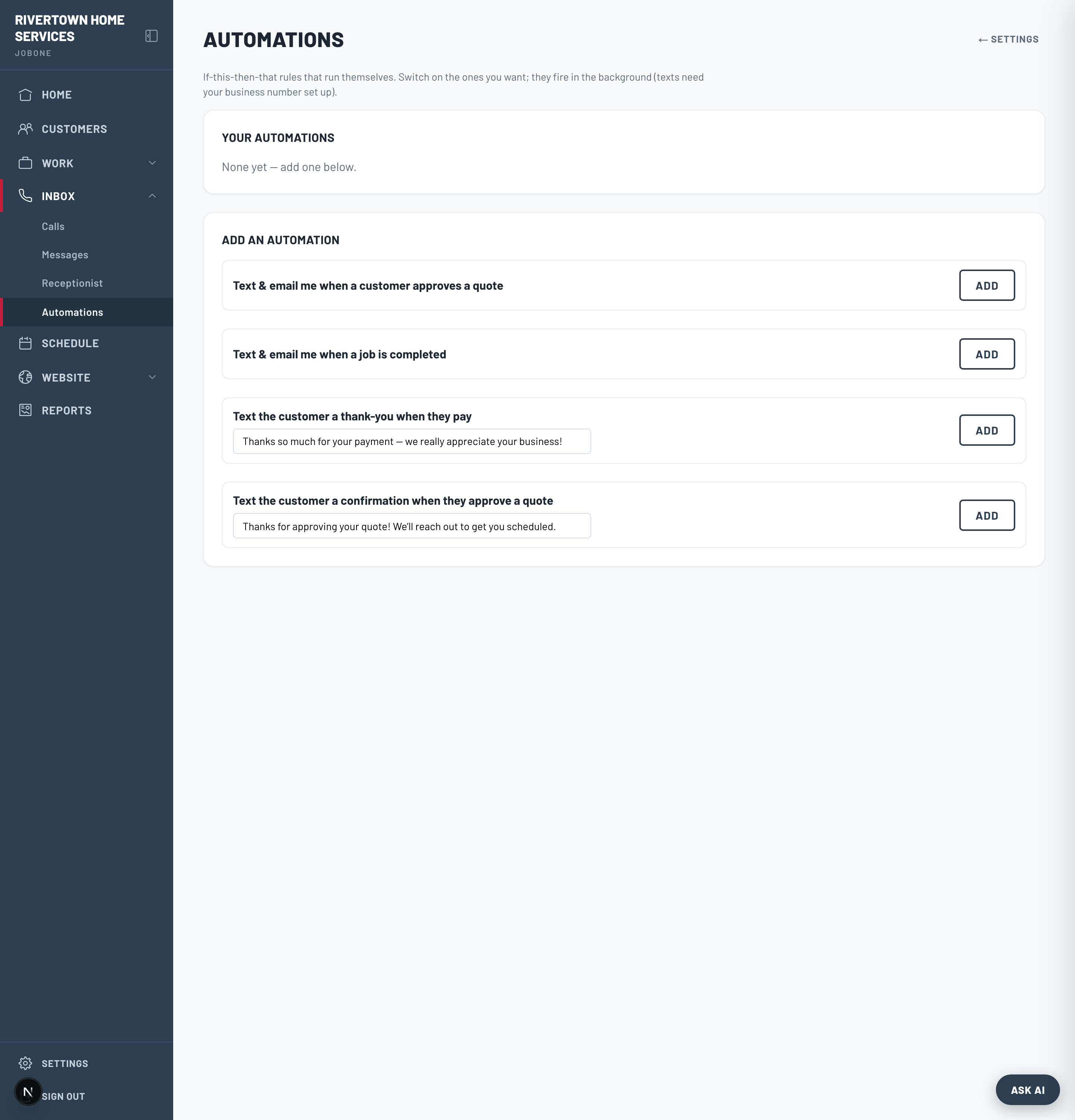
Add an automation
- 1Go to Automations → Add an automation and pick a template.
- 2Choose the trigger — a quote is approved, a job is completed, or an invoice is paid.
- 3Choose the action — notify the owner, or text the customer.
- 4Toggle it on. Turn any rule off or remove it whenever you like.
Tip
A good starter: “When an invoice is paid → text the customer a thank-you.” It’s the kind of nicety that gets remembered.
Note
Actions that send a text use your texting number, so they need it active on a paid plan.