All guides
Basics
Your team & staff logins
Add your crew, invite them to log in, set pay rates, and assign work.
4 min read
When you’re ready to add people, the Team page manages your roster, staff logins, and pay rates.
app.getjobone.com/team
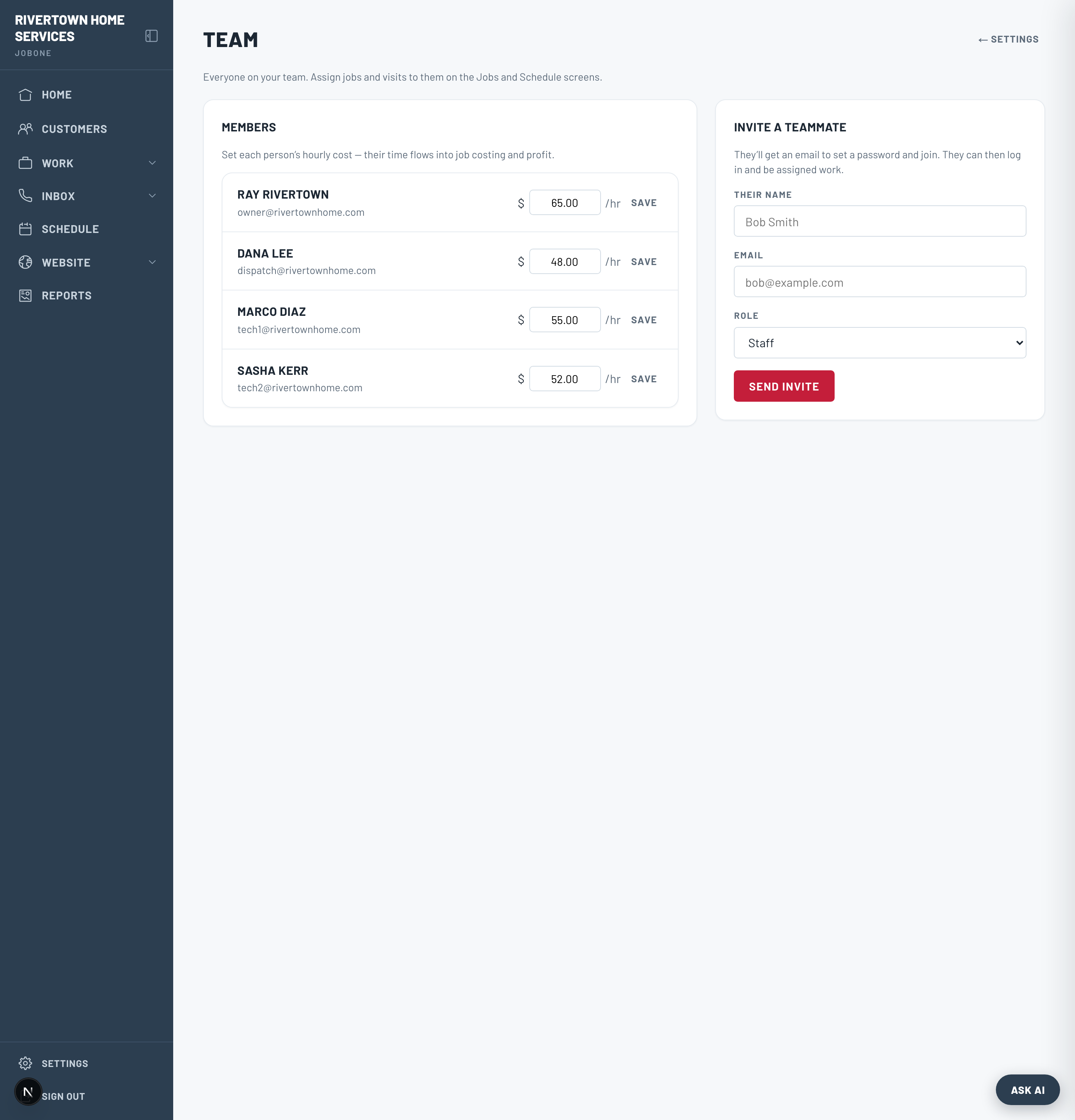
Invite a teammate
- 1Go to Team → Invite a teammate and enter their name, email, and role.
- 2They get an email with a link to set a password and join — no setup on your end.
- 3Cancel a pending invite any time before it’s accepted.
Note
Only owners can manage the team and send invites.
Pay rates & assignment
Set each member’s hourly pay rate on the Team page — that feeds job-costing and the profit report. Once you have a crew, jobs and appointments get an assignee, and the schedule and route map can be filtered per person.