Get found
Your website & getting reviews
Edit the site we built, connect your Google Business Profile, and ask customers for reviews automatically.
5 min read
JobOne builds, hosts, and maintains your website, and helps turn finished jobs into Google reviews. Both live in the dashboard — no separate logins.
Edit and publish your website
Open Website to edit your site in plain sections — no CMS jargon. The preview shows your draft; the red Publish button pushes it live. Publish history lets you restore any earlier version in one click.
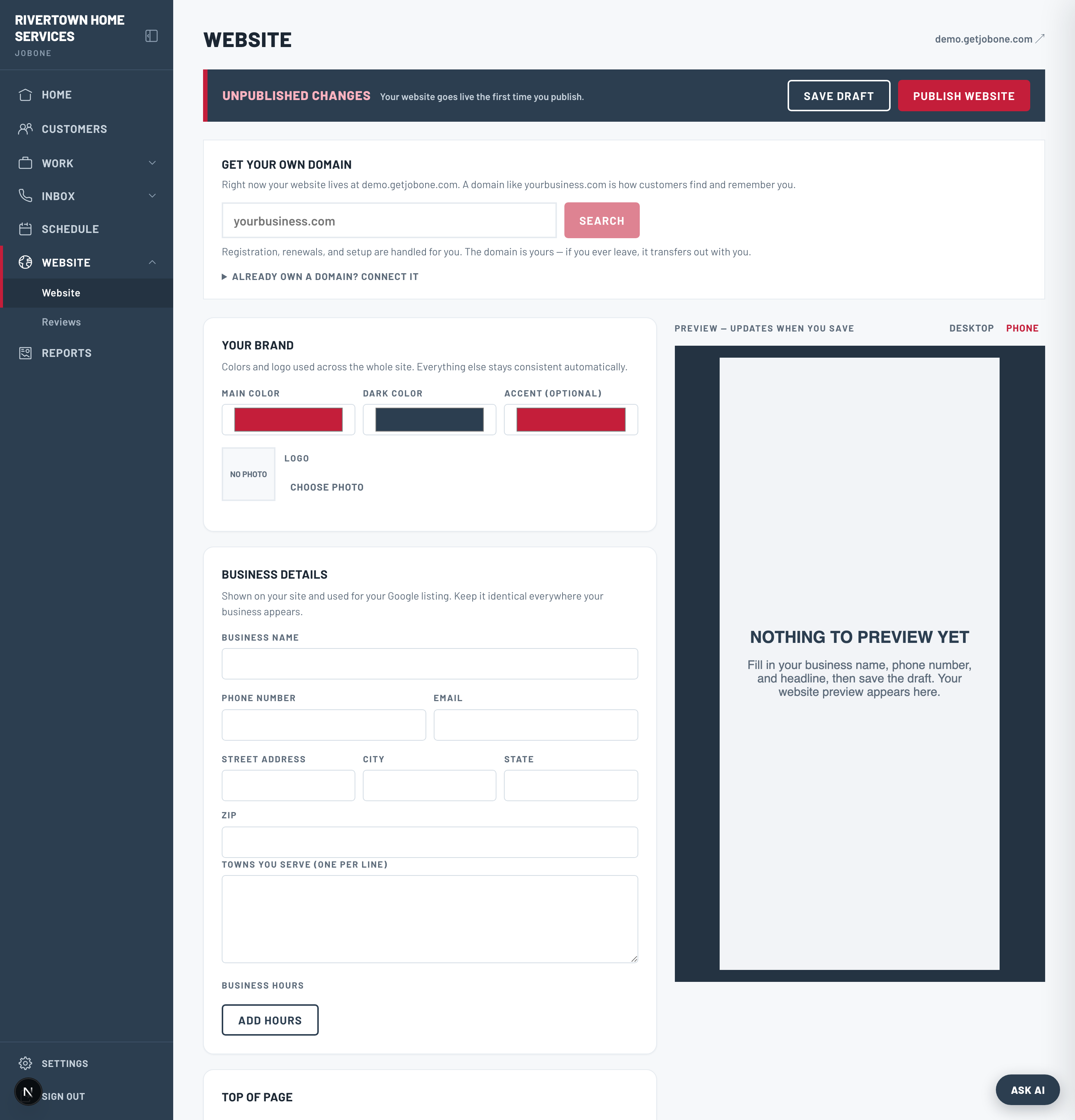
Your first publish can take about a minute to appear at the edge. Repeat publishes are instant.
Connect your Google Business Profile
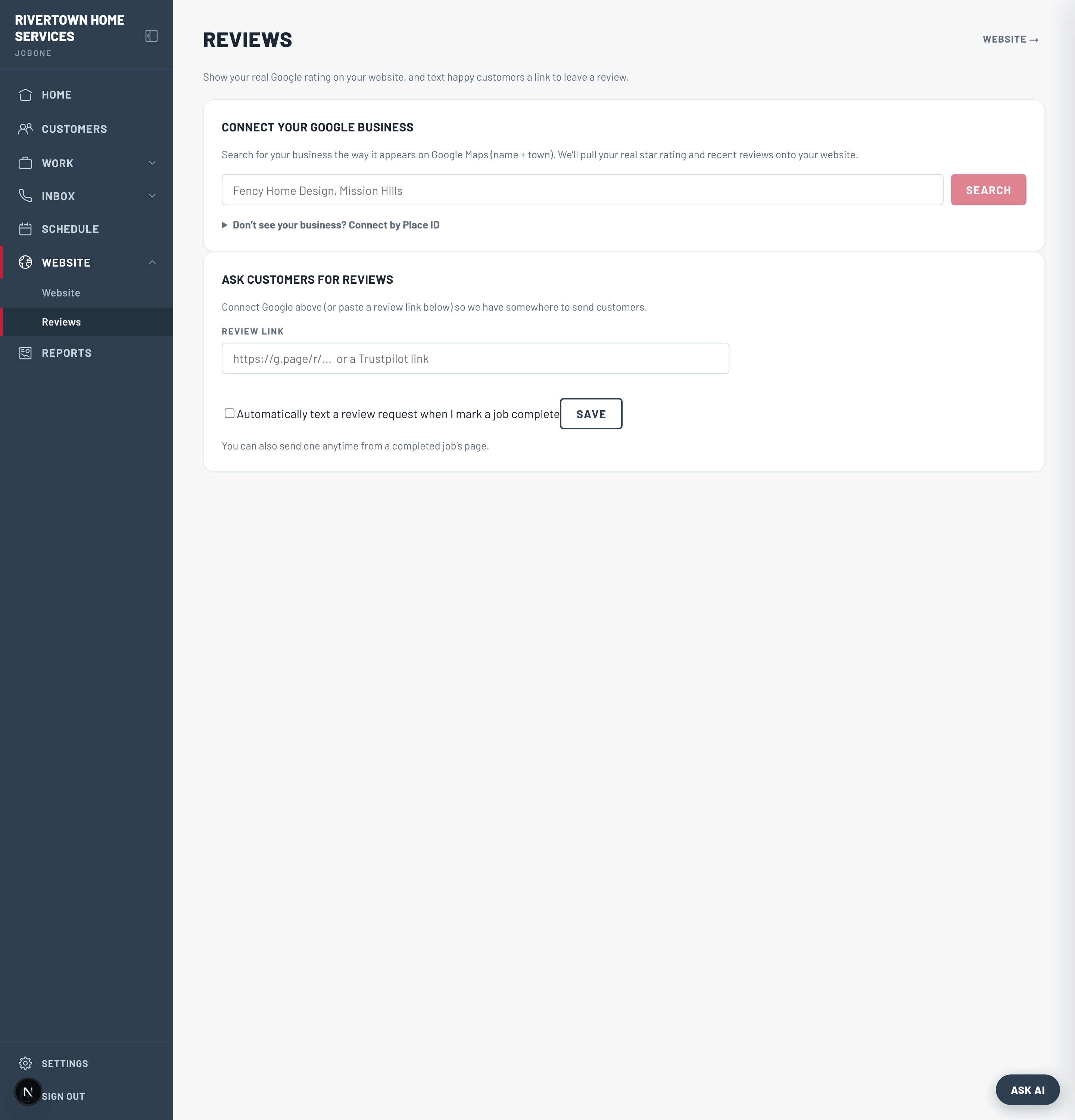
Under Reviews, search for and connect your Google Business listing. Your rating and recent reviews are then cached and can be shown on your website — a real “4.8 from 42 reviews” stat, not a made-up badge.
Ask for reviews automatically
On the Reviews page, turn on automatic review requests. When you mark a job completed, JobOne texts that customer a link to leave a Google review. You can also tap “Ask for a review” on any finished job by hand.
Review requests send by text, so they need your texting number active. The link points at your Google listing once it’s connected.